A blank profile on SilverSingles is a member who has not uploaded a photo yet, and the X under their card skips them. One review of the old site, A Hands-on Review of SilverSingles for Seniors at seniorliving.org, last updated January 2026, says the faces in its match photos were blurred on the free trial. That is one reviewer’s account, and we could not check the old site ourselves. The current site, run by SuccessfulMatch.com, Inc. since May 2026, showed us no blurring at all. Whether a free account sees fewer photos than a Silver Select account is to confirm, because the account we checked with held a Silver Select membership at the time.
What a blank profile means now
On 15 September 2026 the first card in Flame was a member with no photo at all. By the next day the same member had uploaded a photo. That is one person, not a survey, but it fits what the site itself expects.
Two things make blank profiles stand out. Gallery’s sort was set to Newest on our account, so the people who joined most recently sit at the top. And the site keeps nudging new members to add a picture. The welcome message from Support says to upload one, and the empty Viewed You tab under Contacts says to get more attention with a well-written profile and great photos.
How to skip a profile in Flame
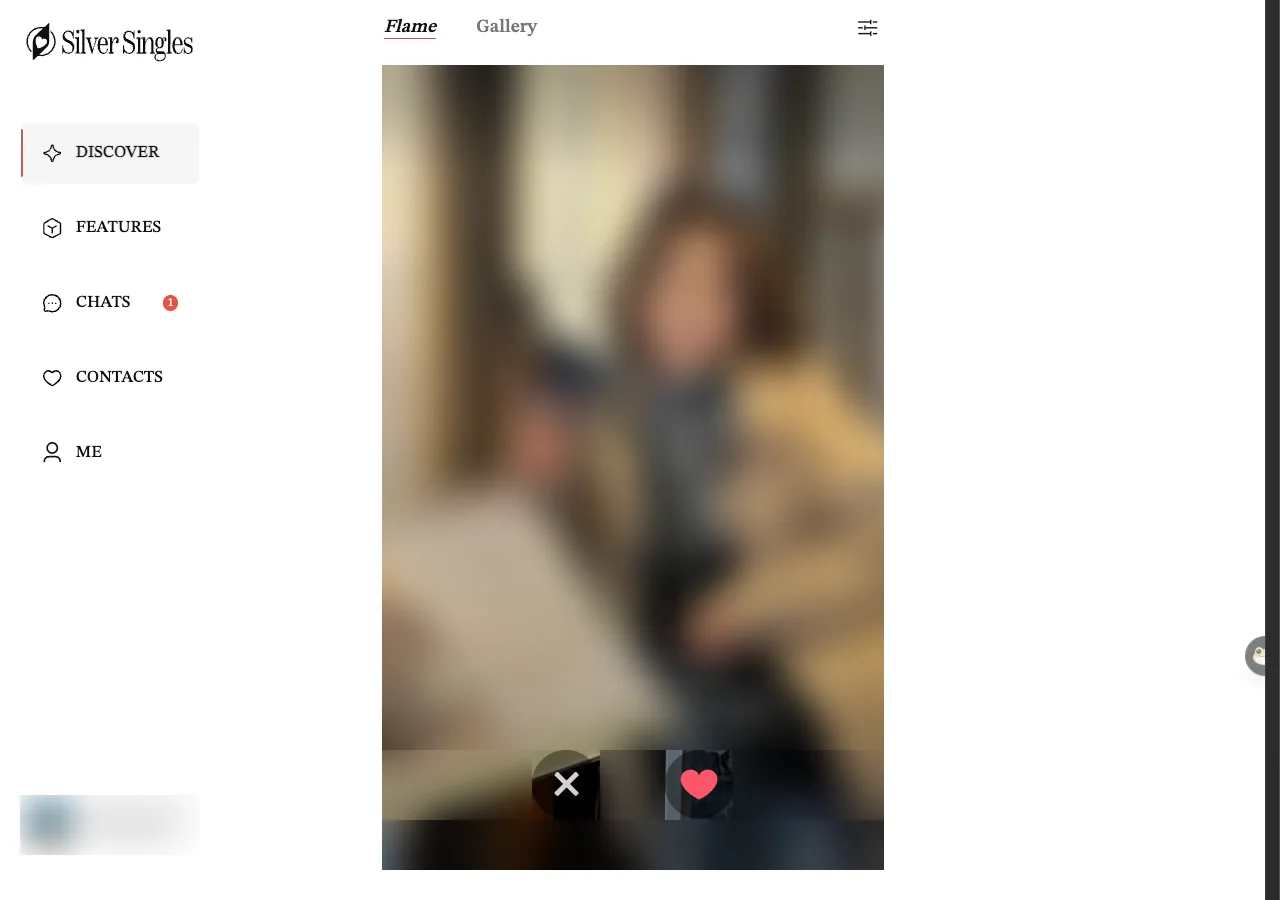
Flame, the first tab on Discover, shows one member at a time. The photo fills the card, and the name, age, occupation and town sit near the bottom. Two round buttons sit underneath.
- Press the X on the left to pass and move to the next card.
- Press the heart on the right to like. If they like you back, that is a match, and you will find them under Contacts, then Matches.
- If you passed someone by mistake, open Me, Settings and look under General Preferences for See Passed Profiles Again.
Silver Select also lists Unlimited profile rewinds among its privileges. What a rewind does on this site is to confirm. So is whether the See Passed Profiles Again setting in step 3 does the same thing on a free account. Unlimited swipes & likes is on the same list, so a free account has some limit. How many a free account gets is to confirm.
Is there a “with photo” filter?
No. On 16 September 2026 we opened Gallery Filters from the sliders icon (three short lines, each with a small knob) at the top right of Discover and read every option. The Basics tab has gender, an age range that starts at 50, and location (Anywhere, or Living in a chosen country and region). The Advanced tab starts with a Sort By list: Newest, Recently active, Oldest first, Youngest first, Nearest first and Most photos & videos. Under Filters it has two switches, Open to Relocating or Traveling to Meet and Near My Location, a Height range, then drop-down lists for Education level, Religion, Ethnicity, Smoking, Drinking, Children, Body type, Relationship status and Hobbies & interests. Nothing on either tab says “with photo” or “photos only”.
The nearest thing is the sort called Most photos & videos. It pushes members with several pictures to the top rather than removing blank profiles. The Advanced tab only works with Silver Select. Its own warning at the top reads: All settings under ADVANCED will reset to default when SILVER SELECT Membership expires. Flame Filters is much the same, with one extra switch called Enable expanded search that widens your search once you have been through everyone who matches.
One more thing to check while you are there. On our account the location filter was set to Living in United States when we opened it, so who it showed first is no guide to what a UK member sees. Changing that is free and takes a minute. See Only see people in the UK on SilverSingles.
What the badges mean
The small tick beside the name and age on a Flame card is the verified badge. Verification lives under Me, Get Verified and Stand Out, and there are three checks: a profile photo check that takes 3 to 8 seconds, a mobile number check that takes about 5 seconds, and an email link. The site says verification is free for now. Which of the three earns the tick on the card is to confirm. A tick says nothing about a person’s intentions, so the advice on our safety page still applies.
A crown with the words SILVER SELECT under a name in the left column, or SILVER SELECT MEMBER above a username on a profile page, means a paying member. Silver Select is the only paid tier and comes with 33 privileges. What is free and what is not is set out on Free vs Silver Select.
Last updated 16 September 2026.